
A useful BollyFlix review should begin with evidence, not a promise of free films. A movie poster, a familiar platform logo, or a page advertising high resolution does not tell you who operates the service, whether a particular film is authorized, or what an offered application will do on your device.
This article evaluates those questions. It does not claim hands-on testing of a current BollyFlix application, verify a current operator, or identify a working download address. Names and layouts can be reused, so findings about one page should not be transferred automatically to another using similar branding.
The practical goal is to help you separate a convincing offer from a verifiable viewing source. That means checking the publisher, the film, the access terms, and any request for software, money, or account information before proceeding.
What this BollyFlix review can establish
The original article promoted movie downloads while also describing the content as pirated. It supplied no documented testing method, licensing evidence, or reliable basis for claims about its catalog and application. Those contradictions do not support an endorsement.
A responsible BollyFlix review must keep several questions separate. Is the operator identifiable? Is the film available with permission? Does the offered software come from a verifiable publisher? Are payment and privacy terms clear? A positive answer to one does not settle the others.
For example, a working player proves that a video can play. It does not establish distribution rights. A clean security scan can provide information about a file, but it does not prove that a film is licensed or that a subscription offer is honest.
Where these facts cannot be established, the appropriate conclusion is uncertainty. It is not a reason to fill the gap with claims about the largest collection, universal compatibility, guaranteed safety, or an official application that has not been authenticated.
Read reviews for their method, not their enthusiasm
Before relying on any BollyFlix review, look for a clear description of what was examined. A meaningful product review should identify the relevant service or application, the date, the device, and the features actually tested. Screenshots without context are weak evidence.
Watch for writing that could describe almost any streaming site. Claims such as easy navigation, excellent quality, and a huge library mean little unless the reviewer explains the basis for them. A polished conclusion cannot compensate for missing observations.
Check whether the review distinguishes a website from an application. A page describing an Android installer should not imply that the same file works on every computer, television, and phone. Similar names may also refer to unrelated products.
Commercial relationships matter too. A review should make relevant sponsorship or affiliate arrangements clear. The absence of a disclosure does not prove that payment occurred, but unsupported promotional wording is still a reason to withhold trust.
Identify the publisher behind the offer
Start with the provider’s own published information. Look for a consistent business or publisher name, support details, terms, and an explanation of the service. Compare those details across the website, app listing, payment page, and official support channel.
In a BollyFlix review, reused branding should be treated as a question to investigate rather than proof of authenticity. A logo can be copied. A page calling itself the new official destination can make that claim without demonstrating a relationship to any earlier operator.
An HTTPS connection protects the connection to the site; it does not certify its film catalog or commercial honesty. NetworkUstad’s SSL certificate guide explains certificate considerations. Do not treat the browser’s connection indicator as a license check.
Avoid entering account or payment information merely to discover who is behind an offer. If basic publisher details remain unclear, stop and investigate independently. A legitimate provider should not need your banking credentials to explain its identity.
Check the film’s authorized release separately
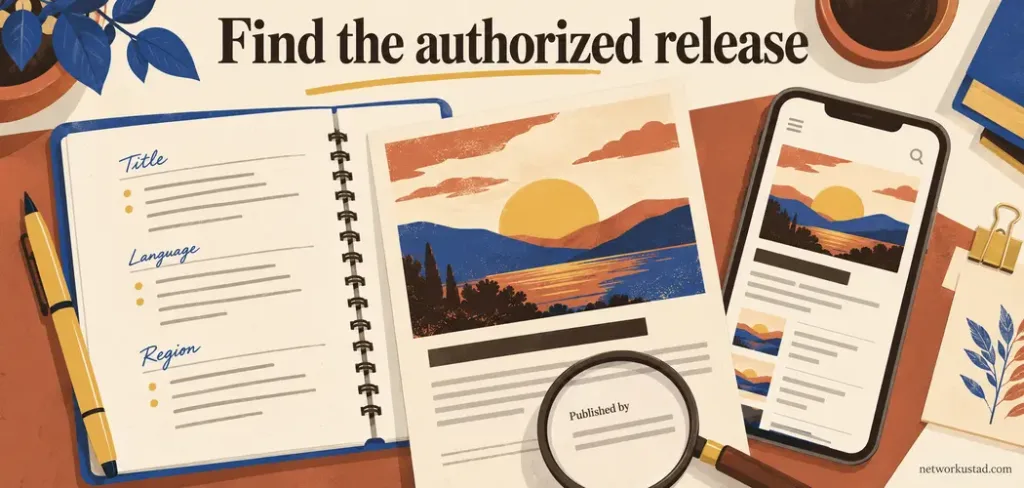
The most useful next step is to search for the exact film title and release year through the producer, distributor, or an established service’s own catalog. Remakes, dubbed editions, and similarly named titles can otherwise lead you to the wrong listing.
Confirm the country in which the offer applies. A film’s presence on a service in one territory does not guarantee availability elsewhere. Also check whether the listing provides the language you want, rather than merely showing a familiar poster.
This BollyFlix review does not treat free viewing as automatically unauthorized. Rights holders may offer films through official channels, advertising-supported services, or promotions. Equally, charging a fee does not establish permission to distribute a film.
Ask whether you can trace the offer back to an identifiable authorized source. Anonymous statements, copied brand images, or a general disclaimer are not substitutes for that connection. A claim that content is hosted somewhere else also does not establish permission.
Distinguish a video file from an application
An APK is an Android application package, not simply another video format. Installing an application gives software an opportunity to run on the device. That is a different decision from selecting a movie in a player you already trust.
A BollyFlix review should therefore identify what is actually being offered. Is it a web page, an installer, an advertisement, or a subscription? A button labelled Play may lead somewhere unrelated to playback. Read the destination and the device prompt before accepting it.
Do not assume that a higher version number, a Pro label, or a premium-looking badge authenticates a package. Those labels can be applied without reliable release notes or publisher verification. Nor does an Android package become suitable for an iPhone because a download page says it supports every device.
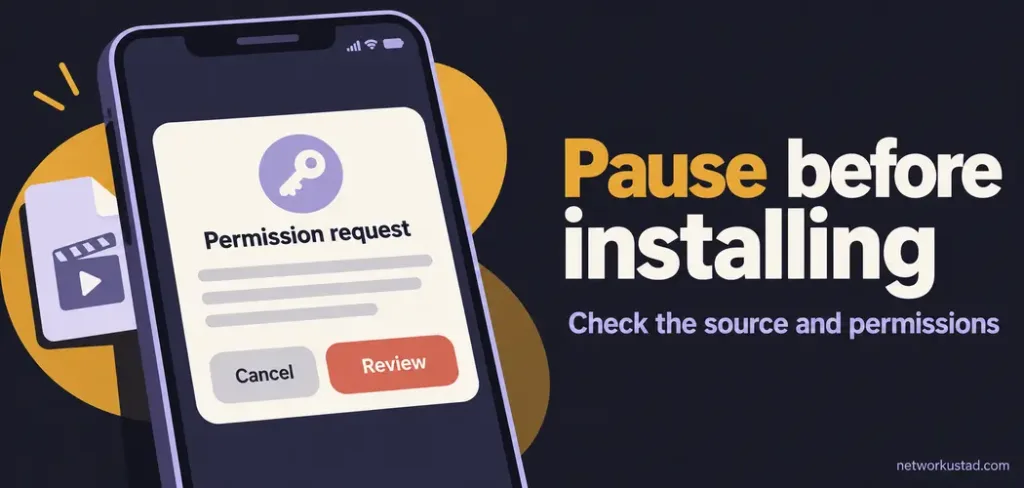
If a page asks you to disable protection, install an unexplained player, or grant sensitive permissions before revealing basic service information, pause. You can decline the installation without proving that the file is malicious.
Assess permissions in the context of the task
Permissions should make sense for the feature you intend to use. A request to access a selected file has a different purpose from a request to read messages, control accessibility functions, or observe notifications. The explanation should be specific and credible.
When reading a BollyFlix review, do not accept a permissions screenshot as a complete safety assessment. Permissions can change with versions, operating systems, and features. A reviewer should say what was observed rather than imply that every similarly named package behaves identically.
Be especially careful about requests that could expose verification messages or allow extensive interaction with other apps. An unfamiliar streaming offer does not justify handing over broad device access simply because a prompt says it is required.
Obtain help from the device maker’s official instructions if you are unsure what a permission means. Avoid following technical advice from the same unknown page that is pressuring you to approve it. Keep the device and browser updated as part of normal maintenance.
Understand what security tools can and cannot prove
The US Federal Trade Commission has warned that illegal streaming apps and add-ons can spread malware. This supports caution about untrusted software; it does not establish an infection percentage for a particular BollyFlix page or package.
On supported Android devices, Google’s Play Protect guidance explains that it checks for harmful behavior and can warn about, disable, or remove potentially harmful applications. Google recommends keeping that protection enabled.
These checks are useful safeguards, not a substitute for knowing where an installer came from. A scan result is not a guarantee about every future action, the operator’s billing practices, or the rights to distribute a film.
Likewise, an ad blocker may reduce some unwanted content, but it does not authenticate an application or authorize a movie copy. A VPN does not establish film rights either. This BollyFlix review recommends evaluating the source instead of treating a single protective tool as permission to trust it.
Separate picture quality from source credibility
Resolution labels describe an intended image format, not the legitimacy of a service. A claim of 1080p or 4K does not establish that a source file matches that claim, has good compression, or includes the correct audio and subtitles.
File size also depends on duration, codec, bitrate, audio tracks, and other choices. A small advertised download size is not enough to evaluate picture quality. Repeating a size range without testing the actual file creates an impression of precision without useful evidence.
A credible BollyFlix review should not confuse film criticism with a technical service assessment. An opinion about whether a movie is entertaining does not demonstrate that its distributor is trustworthy. A review section praising supposedly unbiased opinions cannot replace verification of the platform itself.
For authorized services, inspect the title details and device requirements before paying. Playback quality may depend on the plan, device, connection, and available version. Compare those conditions rather than assuming that the largest printed resolution number is the best offer.
Recognize misleading payment and account requests
Be cautious when an offer described as free suddenly asks for card details to verify age, unlock playback, or activate a special player. A charge described as temporary can still create a payment or subscription obligation. Read the actual checkout terms before entering anything.
Check the merchant identity, amount, currency, renewal terms, and cancellation process. If those details are hidden until after payment, the uncertainty itself is a reason to stop. A small initial charge does not establish that later charges will also be small.
Do not reuse the password for your email account or an established streaming subscription on an unfamiliar site. A copied sign-in screen can request credentials for a service it does not represent. NetworkUstad’s phishing guide explains this type of deceptive request.
Messages claiming that you must urgently pay a fine, contact a particular support number, or allow remote access deserve independent verification. Do not accept a legal or technical claim solely because it appears in a frightening pop-up.
Respond according to what actually happened
Opening a suspicious page, downloading a file, installing an app, and entering payment details are different events. Your response should reflect the event rather than assuming that every visit means a device has been compromised.
If you only opened a page, close it and review any permissions you granted, such as website notifications. If a file downloaded, avoid opening it to investigate its contents. Use your device’s normal security tools and official support instructions to inspect or remove suspicious software.
If you installed an unfamiliar app, review it through the device’s settings and remove it if you cannot establish trust. Run appropriate security checks and seek reputable technical help if removal fails or unusual behavior continues. Do not treat a reassuring scan as proof that an account problem has been resolved.
If you entered a password, change it through the genuine service using a trusted device, review active sessions, and address reused passwords. For payment exposure or unauthorized charges, contact your bank or payment provider through its official channel. Preserve relevant records without returning to the suspicious page.
Find a legitimate viewing option without stale rankings
The purpose of this BollyFlix review is not to send readers to another unverified movie-download site. Instead, identify the title you want and check authorized release information. Then compare the service’s current offer in your region.
Established services that may carry Indian films include Netflix, Prime Video, ZEE5, Sony LIV, and JioHotstar. These are examples to check, not a ranking, endorsement, or guarantee of a particular title. Catalogs and language options change.
Confirm whether the film is included in a subscription, requires a separate rental, or belongs to an additional channel. Check the audio track, subtitles, device support, and renewal terms. Use the current checkout page rather than an old price comparison.
An authorized offline feature usually operates within the service’s own app and conditions. Selected titles may be downloadable on supported devices, and access can expire. That is different from an unrestricted file offered by an unknown distributor. If you cannot verify an authorized release, waiting or choosing another film is reasonable.
What a trustworthy recommendation should look like
A recommendation should follow the evidence and acknowledge its limits. It should explain the publisher, available terms, relevant permissions, tested functions, and any commercial relationship. Where those checks are incomplete, a confident endorsement is premature.
This BollyFlix review does not authenticate a current site or installer. It replaces an unsupported recommendation with a method readers can use to assess claims. Attractive artwork, low prices, and enthusiastic reviews are all secondary to identifying the source and understanding the offer.
Keep that method simple: verify the provider, verify the particular viewing option, and question unnecessary requests for software or sensitive information. If the essential facts remain unclear, choose a source whose responsibilities and terms you can establish.
Frequently asked questions
Does this article confirm a current official BollyFlix app?
No. It does not authenticate a current publisher, domain, installer, or version. Similar branding should not be treated as evidence that separate websites or applications have the same operator.
Does a warning box make a promotional review reliable?
No. A warning does not resolve unsupported recommendations, missing licensing information, or misleading links elsewhere in the article. Assess the actual guidance rather than the presence of a disclaimer.
Are all free movies online unauthorized?
No. Rights holders and licensed services can offer free viewing through advertising or other arrangements. Check who supplies the film and the basis for the offer; price alone does not settle authorization.
Should I install a special player to check whether a film works?
Do not install unexplained software simply to investigate an uncertain offer. Verify the publisher and requirements independently first. Decline requests to disable protection or grant sensitive access without a credible reason.
Can a review guarantee that I will face no legal consequences?
No. Applicable law and conduct vary, and this article does not determine individual liability or promise immunity. Use authorized sources and seek qualified advice in the relevant jurisdiction if you receive a legal notice.



