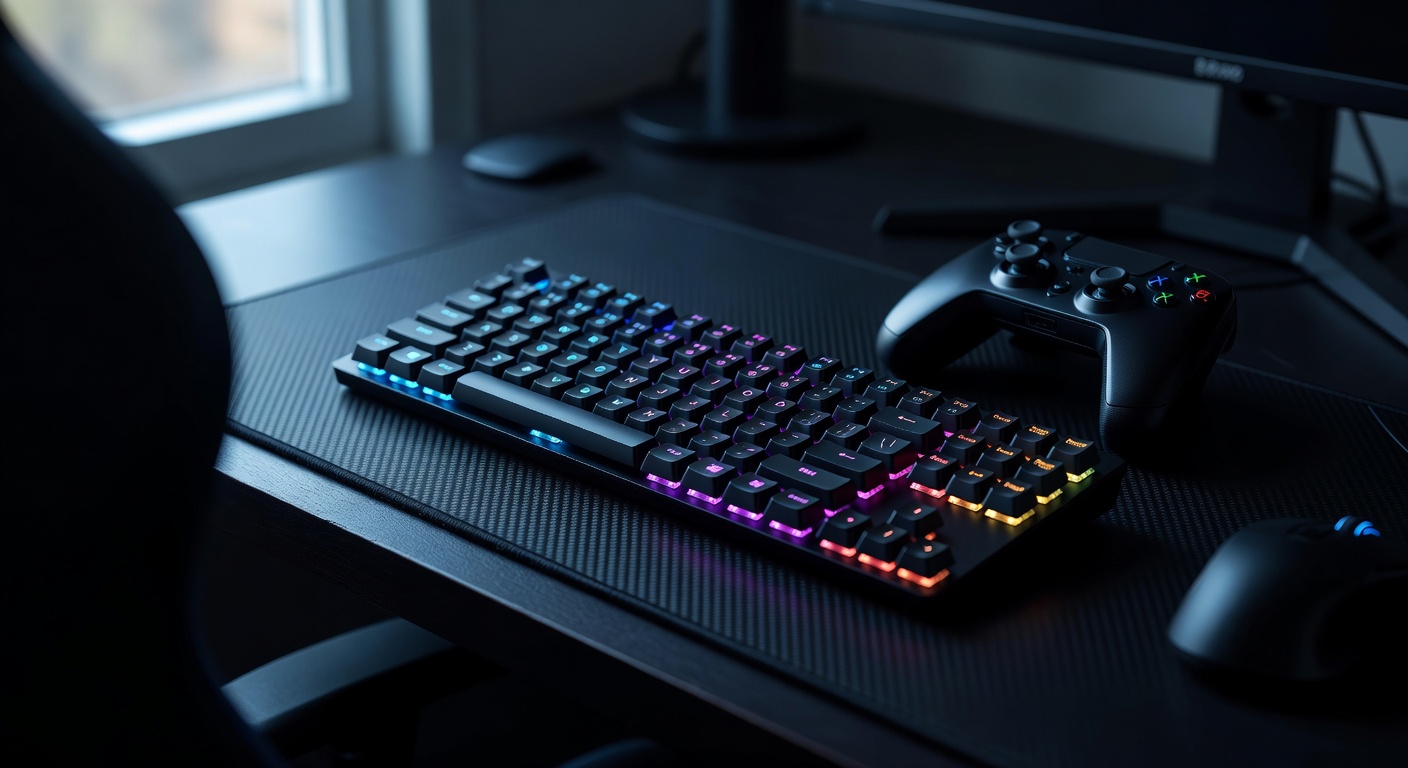
In the heat of competitive gaming, every keystroke matters. The subtle click beneath your fingertips, the precise moment a key registers your command—tactile feedback isn’t just a preference, it’s a competitive advantage that separates victory from defeat. For years, gamers were forced to choose between the liberating freedom of wireless connectivity and the responsive precision of wired keyboards. That compromise is rapidly becoming a relic of the past. Modern wireless gaming keyboards have evolved into high-performance instruments capable of delivering tactile feedback that rivals or even surpasses their tethered counterparts. Yet the challenge persists: how do manufacturers balance untethered convenience with the split-second accuracy and satisfying key response that competitive players demand? The answer lies in groundbreaking innovations like magnetic switches, which offer unprecedented control over actuation points, alongside deep customization options that let gamers tailor every aspect of their typing experience. Whether you’re executing frame-perfect combos in fighting games or holding precise angles in tactical shooters, understanding these technologies is the first step toward elevating your gameplay.
The Role of Tactile Feedback in Enhancing Gaming Performance
Competitive gamers don’t just play with their eyes and reflexes—they play with their fingers. Tactile feedback, that distinct physical sensation confirming a key has been actuated, serves as a crucial communication channel between player and machine. When a key provides a clear, consistent bump or click at the point of activation, your brain registers the input without needing to look down or second-guess whether the command went through. This seemingly minor detail compounds across thousands of keystrokes per match, shaving precious milliseconds off reaction times and reducing input errors that can cost rounds or entire games.
Beyond raw speed, tactile feedback deepens gameplay immersion in ways that flat, mushy key responses simply cannot. The physical confirmation of each action creates a rhythm that experienced players internalize, allowing them to develop muscle memory patterns that become almost automatic. In fast-paced shooters, the ability to feel exactly when a movement key engages helps players strafe with precision. In MOBAs and strategy games, rapid ability rotations become smoother when each keystroke delivers unmistakable physical confirmation. This sensory loop—press, feel, confirm—keeps players locked into their flow state, reducing cognitive load so they can focus on strategy rather than wondering whether their inputs registered. For competitive gamers who measure advantages in fractions of a second, tactile feedback transforms a keyboard from a simple input device into an extension of their intent, providing the enhanced control and responsiveness that separates consistent performers from occasional winners.

How Wireless Gaming Keyboards Achieve Superior Tactile Feedback
The secret behind today’s best wireless gaming keyboards lies in a fundamental shift in switch technology. Traditional mechanical switches rely on physical metal contact points to register keystrokes—a design that, while proven, introduces inherent limitations in consistency and longevity. Every actuation gradually wears down these contact points, subtly altering the feel and response over time. Magnetic switches, often called Hall effect switches, eliminate this problem entirely by using magnets and sensors to detect key position. Because there’s no physical contact required for registration, these switches deliver an identical tactile response on the millionth press as they did on the first, giving competitive gamers the unwavering consistency they need to build reliable muscle memory.
What makes this technology particularly transformative in wireless keyboards is how it pairs with modern connectivity solutions. Early wireless keyboards suffered from noticeable input lag that made them unsuitable for competitive play, but current-generation models using optimized 2.4GHz wireless protocols have closed the gap entirely. Leading wireless gaming keyboards now achieve polling rates of 1000Hz or higher, matching wired connections with response times as low as one millisecond. This means the precise tactile bump you feel under your finger corresponds almost instantaneously with the on-screen action—no perceptible delay, no missed inputs. The combination of magnetic switch precision with lag-free wireless transmission creates an experience where freedom of movement doesn’t come at the cost of performance. Gamers can position their keyboard at any angle or distance without worrying about cable drag influencing their play, all while enjoying tactile feedback that feels immediate and authoritative.
Advantages of Magnetic Switches Over Conventional Options
Magnetic switches stand apart from conventional mechanical options primarily through their adjustable actuation points. While a traditional Cherry MX Brown switch actuates at a fixed 2mm depth, magnetic switches allow gamers to set their own actuation distance—sometimes as shallow as 0.1mm for lightning-fast responses in competitive shooters, or deeper for deliberate, tactile keystrokes in RPGs where accidental presses are costly. This granular control means you’re not adapting your playstyle to your hardware; your hardware adapts to you. Brands like ATK Gear have embraced this philosophy in their wireless gaming keyboard lineup, offering per-key actuation customization alongside rapid trigger functionality, where a key re-registers almost immediately after partial release, giving players in movement-intensive games a tangible edge. Combined with the smooth, consistent force curve that magnetic sensing provides, these switches deliver a tactile experience that feels both precise and deeply satisfying, rewarding each keystroke with clean, unmistakable feedback that mechanical alternatives struggle to match at the same level of customization.
Key Features for Optimal Customization and Layout in Gaming Keyboards
A wireless gaming keyboard’s tactile feedback only reaches its full potential when the entire experience is tailored to the individual player. Customization begins at the software level, where robust configuration suites allow gamers to remap every key, assign complex macros to single presses, and create game-specific profiles that activate automatically when launching a title. This level of programmability means your keyboard layout shifts to match the demands of each game—dedicating keys to quick-buy menus in tactical shooters or streamlining hotkey rotations in MMOs—without requiring any physical adjustment. RGB lighting, often dismissed as purely aesthetic, actually serves a functional role when configured thoughtfully. Color-coded key zones help players locate critical binds at a glance during intense moments, while reactive lighting effects can provide visual confirmation that complements the tactile bump under each finger.
Layout choice is equally consequential. Compact form factors, particularly 65% and 75% designs, have gained significant traction among competitive gamers for good reason. By eliminating the number pad and condensing navigation keys, these keyboards free up valuable desk real estate, allowing players to position their mouse arm more naturally and reduce shoulder strain during extended sessions. The shorter distance between hands also promotes a more centered, ergonomic posture. For players who attend LAN events or travel for tournaments, the reduced footprint makes transport effortless without sacrificing essential functionality. Many compact wireless models retain dedicated arrow keys and a function row through intelligent layering, ensuring that everyday productivity tasks remain accessible. When combined with hot-swappable switch sockets—a feature increasingly common in premium wireless boards—players gain the freedom to experiment with different switch weights and tactile profiles across specific keys, fine-tuning the physical feedback to match their exact preferences for each region of the keyboard.
Step-by-Step Guide to Choosing the Right Wireless Gaming Keyboard
Selecting the ideal wireless gaming keyboard requires more than browsing bestseller lists—it demands a structured approach that aligns your hardware with your specific competitive needs. Working through each consideration methodically ensures you invest in a keyboard that genuinely elevates your performance rather than one that simply looks impressive on your desk.
Start by identifying the games you play most and the input demands they create. If you primarily compete in first-person shooters where rapid strafing and counter-strafing determine engagements, you need a keyboard that supports extremely shallow actuation points and rapid trigger functionality. Fighting game enthusiasts should prioritize consistent, well-defined tactile bumps that confirm directional inputs during complex combo sequences. MOBA and MMO players, on the other hand, benefit from keyboards offering extensive macro support and programmable key clusters that streamline ability rotations. Understanding your genre-specific requirements narrows the field immediately and prevents you from paying for features you’ll never use.
Next, evaluate switch technology with a clear bias toward magnetic switches if tactile feedback is your priority. Traditional mechanical switches serve casual gamers well, but the adjustable actuation points and contact-free sensing of magnetic Hall effect switches provide a measurable advantage for competitive play. Test whether the keyboard allows per-key actuation customization, as this lets you set hair-trigger sensitivity on movement keys while maintaining deeper, more deliberate travel on less time-critical binds. The absence of physical contact points also means the tactile profile remains unchanged across years of heavy use, protecting your investment and your muscle memory simultaneously.
Once you’ve settled on switch type, assess the customization ecosystem surrounding the keyboard. A powerful software suite should offer intuitive key remapping, layered profile management that switches configurations automatically between games, and granular control over lighting zones. Hot-swappable sockets add another dimension of flexibility, letting you physically swap switches without soldering if your preferences evolve. Consider the layout carefully during this stage—compact 65% or 75% designs work exceptionally well for gamers who need maximum mouse space or frequently travel to tournaments, while tenkeyless boards offer a middle ground that retains a few extra dedicated keys for players who also use their keyboard for productivity tasks.
Before finalizing your choice, scrutinize the wireless performance specifications that directly impact competitive viability. Look for keyboards offering 2.4GHz wireless connectivity with polling rates of at least 1000Hz, ensuring response times that match wired alternatives. Battery life matters more than many buyers anticipate—a keyboard that dies mid-tournament creates an unacceptable risk, so prioritize models offering 40 hours or more of continuous use on a single charge, with quick-charge capabilities that restore hours of play from just minutes of cable connection. Dual-mode connectivity, allowing seamless switching between wireless and wired operation, provides a reliable fallback for critical competitive moments.
Finally, compare your shortlisted models against real-world user feedback from players in your specific gaming community. Professional reviews provide valuable technical benchmarks, but user reviews from competitive players reveal practical insights about long-term switch consistency, software stability, and wireless reliability under tournament conditions. Pay attention to reports about firmware update frequency, as manufacturers who actively refine their polling algorithms and customization tools deliver improving performance long after purchase. Cross-referencing multiple sources of hands-on experience with the technical specifications you’ve already verified gives you the confidence to make a decision grounded in both data and practical validation.
Elevate Your Competitive Edge with the Right Wireless Keyboard
The era of compromising between wireless freedom and exceptional tactile feedback is definitively over. Today’s wireless gaming keyboards, powered by magnetic Hall effect switches, deliver the kind of precise, consistent, and deeply satisfying key response that competitive gamers once believed only wired connections could provide. These switches offer adjustable actuation points that adapt to your playstyle, contact-free sensing that maintains an identical feel across millions of keystrokes, and rapid trigger capabilities that give movement-intensive players a genuine competitive edge. When paired with lag-free 2.4GHz wireless connectivity achieving one-millisecond response times, the result is a keyboard that feels as immediate and authoritative as any cabled alternative—without the desk clutter or restricted positioning.
The advantages extend well beyond switch technology alone. Thoughtful customization ecosystems, compact layouts that maximize desk space and promote ergonomic posture, and hot-swappable sockets that let you fine-tune feedback across individual keys all contribute to a keyboard experience built around your specific needs. By following a structured selection process—identifying your genre-specific demands, prioritizing magnetic switch technology, evaluating software and layout options, verifying wireless performance specs, and cross-referencing real-world competitive feedback—you can confidently invest in a wireless gaming keyboard that doesn’t just keep pace with your skill but actively amplifies it. The tools to unlock superior tactile feedback are here; the next move is yours.